Replacing the 10% Off Popup: Can a Quiz Be Your Welcome Offer?
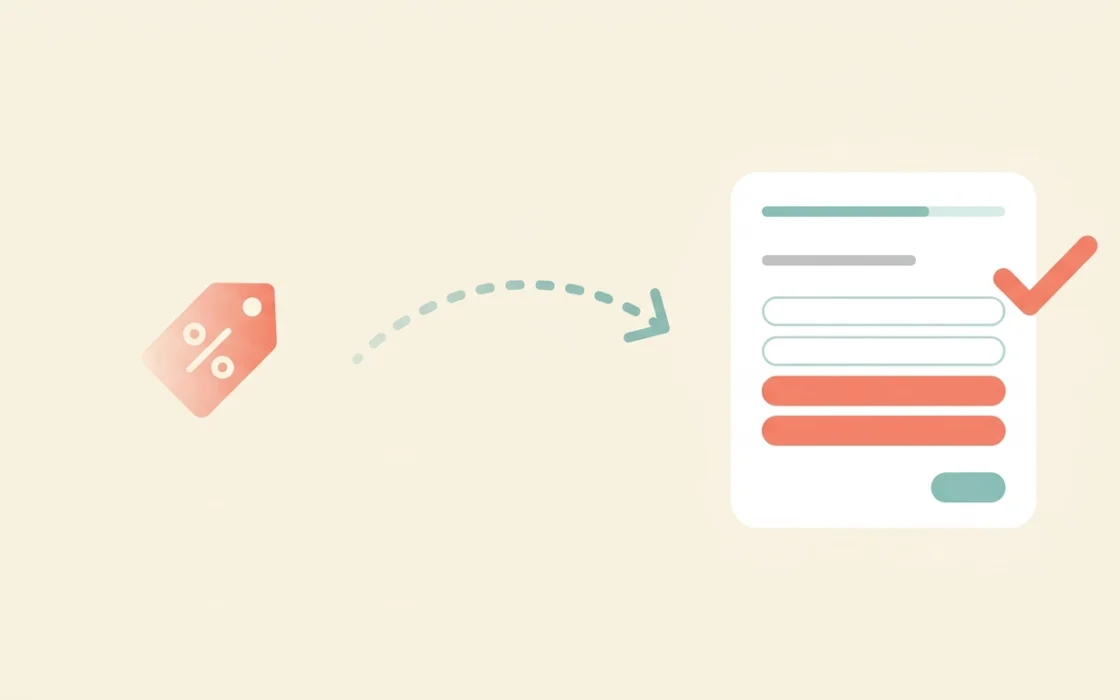
Every Shopify store has one. A shopper lands on the homepage, and within seconds a popup appears: “Get 10% off your first order.” It’s the default welcome offer of ecommerce, and most merchants never question it.
They should. The 10% popup collects an email address and gives away margin. It tells you nothing about the shopper, and it teaches new visitors that your full price is negotiable.
A product recommendation quiz offers a different trade. Instead of money, you give the shopper something they came for: a clear answer about what to buy. This post explains why that trade often works better, when it doesn’t, and how to build a quiz welcome offer step by step with QuizShop.
Why the discount popup became the default
The popup earned its place for good reasons. It’s easy to install. It works fast. And it gives a new visitor an obvious reason to hand over an email address.
For a store with a small email list, that’s a real win. Merchants watch the list grow, and the growth looks like proof that the tactic works.
The trouble starts when you look past the list size. A bigger list only helps if the people on it buy, return, and respond to your emails. A popup built around a discount attracts the shoppers who care most about the discount.
What the 10% popup really costs
The sticker price is the 10% you give away. The hidden costs add up in four places.
Margin on every first order. Shoppers who would have bought at full price now use the code. You lose margin on sales you already had.
A trained habit. Visitors learn that waiting gets them a deal. Some leave your site, find a code on a coupon page, and come back later.
Thin data. An email address says nothing about what the shopper wants. Your welcome series has to guess, so it sends the same emails to everyone.
Weak loyalty. A customer who joined for 10% off often leaves when a competitor offers 15%.
None of this means discounts never work. It means a discount alone is a blunt tool for a job that needs precision.
What a quiz offers instead
A quiz changes what you exchange. The shopper gives you a few honest answers. You give them a personalized recommendation. Both sides get something useful.
That swap works because it matches what shoppers already want. Someone browsing a large catalog usually isn’t hunting for a coupon. They’re trying to figure out which product fits them. A quiz solves that problem directly, and the email capture becomes a natural part of the experience instead of a toll booth.
It also fills the gap the popup leaves. Every answer is zero-party data: preferences, goals, and constraints the shopper chose to share. Your welcome emails can then speak to a real person instead of a generic subscriber.
There’s a trust benefit too. A discount says, “buy now, it’s cheaper.” A recommendation says, “this one fits you, and here’s why.” The second message builds confidence, and confident shoppers buy more, return less, and come back.
The 10% popup vs. a quiz welcome offer
| 10% off popup | Quiz welcome offer | |
|---|---|---|
| What the shopper gets | A discount code | A personalized product recommendation |
| What you collect | An email address | An email address plus preferences, goals, and constraints |
| Effect on margin | Reduces margin on every redeemed order | Protects full-price sales |
| Welcome email quality | Generic for everyone | Segmented by quiz answers |
| Attracts | Discount-driven shoppers | Shoppers who want guidance |
| Setup effort | Very low | Moderate |
| Best for | Simple catalogs, impulse purchases | Larger catalogs, categories where shoppers need help choosing |
Can a quiz fully replace the discount?
Sometimes. Often a hybrid works best.
A quiz works as a standalone welcome offer when your products need explaining. Shoppers in these categories want guidance more than they want a coupon.
| Store type | Quiz as welcome offer | Why |
|---|---|---|
| Skincare and beauty | Strong fit | Shoppers misjudge their own skin type and need diagnosis |
| Supplements and wellness | Strong fit | Goals and routines vary, and labels confuse people |
| Pet food and products | Strong fit | Breed, age, and diet change the right answer |
| Mattresses and furniture | Strong fit | High price and return risk raise anxiety |
| Gifting | Strong fit | The shopper doesn’t know the recipient’s taste or your catalog |
| Small, simple catalogs | Weak fit | Five self-explanatory products don’t need a quiz |
| Commodity or repeat-buy items | Weak fit | Shoppers already know what they want |
A quiz alone works less well when your catalog is small and simple. If you sell five products that explain themselves, a quiz adds friction without adding value. A discount may serve you better there.
For many stores, the strongest option sits in the middle. Run the quiz as the main welcome experience. Then offer a small incentive on the result page, such as a modest discount on the recommended routine or free shipping above a threshold. The shopper has already invested time and seen a recommendation they trust, so the incentive nudges instead of carrying the whole decision.
Test this against your current popup before you commit. Your own numbers should decide.
One shopper, two welcome experiences
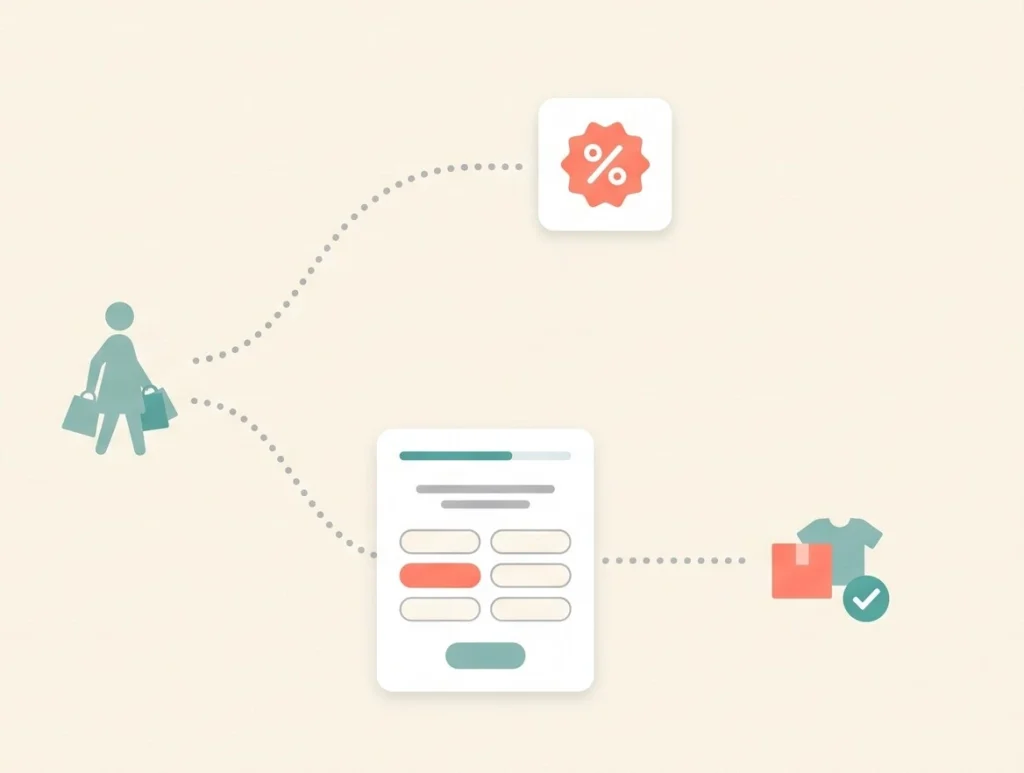
Here’s an illustrative example of how the two approaches differ. The scenario is hypothetical, but the pattern is common.
Maya lands on a skincare store. She has combination skin, occasional breakouts, and a sensitivity to fragrance. She doesn’t know which of the store’s 40 products to try.
With the 10% popup, Maya sees the offer, enters her email, and gets a code. She still faces 40 products. She scrolls for a few minutes, feels overwhelmed, and leaves. The next day she gets a generic welcome email with the store’s bestsellers, including a fragranced serum she can’t use. She stops opening the emails.
With a quiz welcome offer, Maya sees an invitation: “Not sure what fits your skin? Take our 1-minute quiz.” She answers six questions. The quiz flags her fragrance sensitivity first, then matches her concerns. She sees a three-step routine with a short explanation of why each product fits. She joins the list to save her results.
The next day she gets an email about her routine, written for combination, breakout-prone, fragrance-free skin. She buys the routine. Her order is larger than a single-product order would have been, and the store kept its full margin.
The difference isn’t the discount. It’s that the quiz helped Maya decide.
How to set up a quiz as your welcome offer
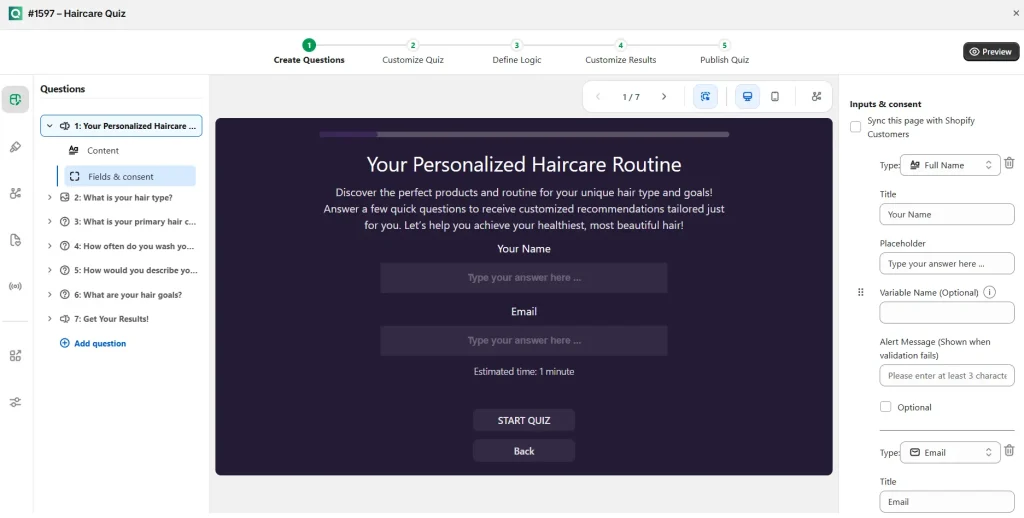
A few choices make the difference between a quiz that welcomes shoppers and one that annoys them.
Replace the trigger, not just the content. Swap the discount popup for a short invitation. Keep it light and easy to close. Don’t block the page.
Keep the quiz short. A welcome quiz should take about a minute. Aim for five to seven questions. Every question must feed the final recommendation, or cut it.
Put sensitivities first. If a shopper flags an allergy or sensitivity, filter products before you weigh any other answer. One bad match destroys trust fast.
Decide when to ask for the email. You have two options. Asking before the results captures more addresses but can reduce completion. Asking after the results builds trust first but loses some shoppers who leave without finishing. Test both and compare the totals.
Make the result page do real work. Show the recommendation, explain why it fits, and offer a full routine or bundle where it makes sense. Add your optional incentive here.
Build the welcome series around the answers. This is where most of the payoff lives. A shopper who said they want gentle, fragrance-free products should never receive an email promoting a bold scented bestseller.
Writing the invitation: copy that works
The invitation is your new popup headline, so it deserves real thought. Lead with the shopper’s problem, not your offer.
| Weak invitation | Stronger invitation |
|---|---|
| “Join our list for 10% off” | “Not sure what fits your skin? Find your routine in 60 seconds.” |
| “Sign up for exclusive deals” | “Tell us what you’re after. We’ll pick the right one.” |
| “Take our quiz!” | “Answer 6 quick questions and get a routine built for you.” |
| “Get your discount” | “Skip the guesswork. See your personalized match.” |
Three rules help here. Name the benefit in the first few words. State the time cost, such as “60 seconds.” And use plain language your shoppers already use.
Building the welcome email series from quiz answers
The quiz only pays off if your emails use what shoppers told you. Here’s a simple four-email blueprint you can adapt.
| When it sends | What it does | |
|---|---|---|
| 1. Your results | Immediately after the quiz | Repeats the recommendation and explains why it fits |
| 2. The reasoning | Day 2 | Explains the key ingredient, feature, or benefit tied to their top concern |
| 3. Social proof | Day 4 | Shares reviews from customers with the same profile |
| 4. Gentle nudge | Day 6 | Reminds them of the routine and adds the optional incentive if you use one |
Each email pulls from quiz answers: skin type, goal, budget, or whichever fields matter to your catalog. That personalization is what a discount popup can’t give you.
A phased rollout plan
Don’t rip out your popup overnight. Phase the change in and measure each step.
| Phase | Timing | What you do |
|---|---|---|
| 1. Build | Week 1 | Create the quiz, map answers to products, and write the result page |
| 2. Soft launch | Week 2 | Add the quiz as a banner or secondary entry point. Leave the popup running |
| 3. Split test | Weeks 3 to 4 | Show half of new visitors the quiz invitation and half the discount popup |
| 4. Compare | Week 5 | Review revenue per subscriber, first-order conversion, and margin |
| 5. Decide | Week 6 | Keep the winner, or run the hybrid with a small incentive on the result page |
This plan protects your revenue while you collect real data.
Mistakes to avoid
Removing the discount with no replacement, then wondering why conversion drops. If your audience expects an offer, removing it with nothing in its place can hurt. Phase the change in and measure.
Asking too many questions. A long quiz works as a deliberate product finder. As a welcome offer, it must stay quick.
Collecting answers and ignoring them. If the welcome emails don’t use the quiz data, you’ve built an expensive email form.
Skipping the comparison. Don’t judge the quiz by list growth alone. Compare revenue per subscriber, repeat purchase rate, and margin.
Forgetting mobile. Most Shopify traffic arrives on phones. Test the invitation and every quiz step with your thumb, not a mouse.
Showing the quiz to returning customers. Someone who already buys from you doesn’t need a welcome quiz. Target new visitors.
How to measure the switch
List growth is the wrong scoreboard. Track the numbers that show quality:
- Opt-in rate: how many visitors join your list through each method
- First-order conversion rate: how many new subscribers buy
- Average order value: whether recommended routines lift basket size
- Revenue per subscriber: the cleanest single measure of list quality
- Margin per first order: what you keep after any incentive
- Repeat purchase rate: whether shoppers come back
Run the quiz and the popup side by side for a few weeks if you can. Split traffic, then compare revenue per subscriber instead of raw sign-ups. The winner often surprises merchants who assumed bigger lists meant better results.
Privacy and consent
Quiz answers are personal, so treat them with care. Tell shoppers how you’ll use their answers before they share them. A single line works well: “We use your answers only to personalize your results and future emails.”
Make marketing consent clear when you ask for the email address. Check the rules that apply to your customers, such as GDPR or CCPA, and follow them. Honesty here also helps conversion, because shoppers share more when they trust you.
Frequently asked questions
Does a quiz really work as a welcome offer without a discount? For categories where shoppers need guidance, often yes. Test it against your current popup and let your revenue per subscriber decide.
Should I ask for the email before or after the results? Both approaches work. Asking before captures more addresses. Asking after builds more trust. Test each on your own traffic.
How long should a welcome quiz be? Aim for about a minute and five to seven questions. Cut any question that doesn’t change the recommendation.
Can I keep a small discount alongside the quiz? Yes. Many stores offer a modest incentive on the result page. The shopper sees a trusted recommendation first, so the incentive supports the decision instead of driving it.
Will a quiz hurt my email list growth? The list may grow more slowly at first. But the subscribers it adds usually have stronger intent and richer data. Judge the switch by revenue per subscriber, not raw sign-ups.
Do I need a developer to build this? Not with a no-code builder. QuizShop lets you build branching logic and map products without writing code.
Setting this up in QuizShop
QuizShop is an AI quiz builder made for Shopify, and it covers each step above without custom code. You build a branching quiz that adapts to each shopper’s answers. You map answers to products, routines, or bundles. And you tag every response onto the customer profile, so your Klaviyo or Shopify email flows can segment by what shoppers told you.
That last step is what turns a quiz into a real welcome offer. The shopper gets an answer. You get an email address plus the context to make your first message relevant. Neither side feels like they paid a toll.
Ready to test a quiz against your discount popup? QuizShop helps Shopify merchants build branching product quizzes that recommend, capture zero-party data, and feed your welcome flows, with no code required.