Quiz vs. Site Search vs. Filters: When Each One Actually Wins
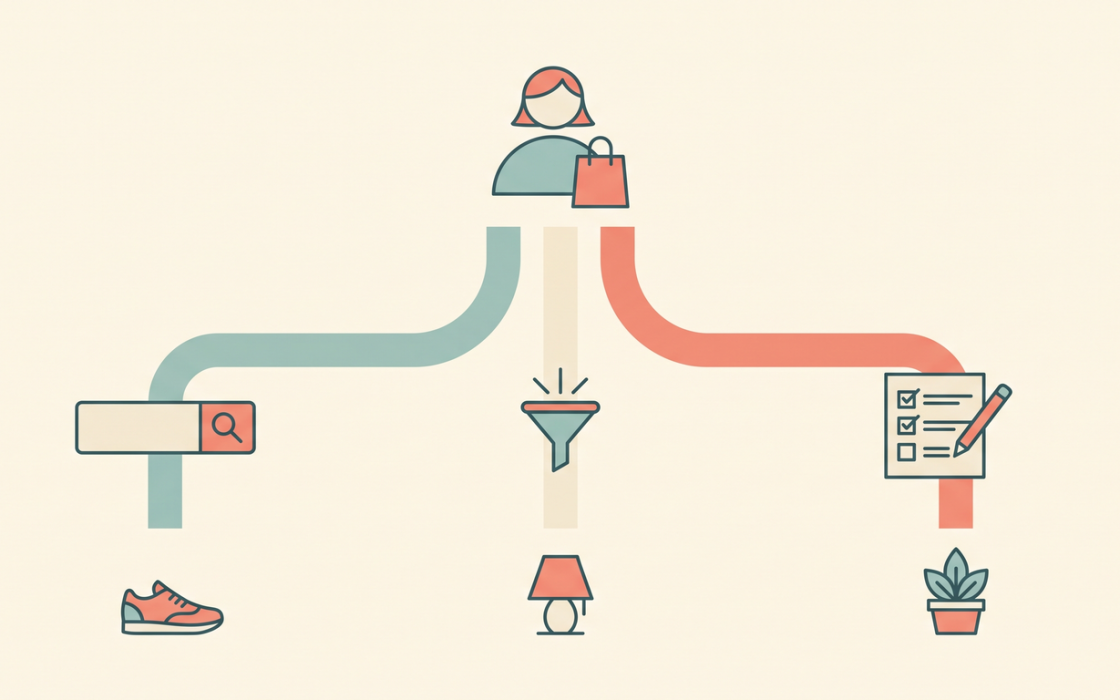
Ask most Shopify merchants how shoppers find products on their store, and you’ll usually get one of three answers: site search, filters, or, increasingly, a quiz. Each one gets pitched as the solution to the same underlying problem, helping a shopper find the right product faster and each one has a small industry of tools and best-practice guides built around it.
What’s rarely discussed is that these three tools aren’t actually interchangeable. They solve different problems, they work best for different kinds of shoppers, and using the wrong one in the wrong moment is a quiet, invisible source of lost conversions. This post breaks down what each one is actually good at, where each one falls apart, how to tell which your store is currently missing, and how the three can work together instead of competing with one another on your homepage.
Site search: built for shoppers who already know what they want
Site search is the oldest of the three, and it’s built on a simple assumption: the shopper already has a specific product in mind and just needs to locate it quickly. That assumption holds up well for a huge share of ecommerce traffic. Someone who read about a specific serum on a blog, or is returning to rebuy something they already loved, doesn’t need to be guided anywhere. They need a fast, accurate search bar that gets them to that exact product in one or two keystrokes.

Where site search struggles is discovery. A search bar is only as useful as the query typed into it, and a shopper who doesn’t know the right terminology. Someone searching “moisturizer for dry skin” when your catalog is organized by ingredient names, for instance often gets poor or irrelevant results. Search also does nothing to help someone who genuinely doesn’t know what they’re looking for yet. Typing a query requires already having formed an intent; a shopper who’s still figuring out what they need has nothing to type.
There’s a specific failure mode worth watching for here: the zero-result search. Every time a shopper searches for something and gets no matches, or gets matches that clearly don’t fit what they meant, that’s a moment where search has failed and the shopper is left with nowhere to go except back to browsing. Often followed by leaving the site entirely. Most Shopify analytics setups can surface a zero-result search report, and it’s one of the more honest diagnostics available for figuring out where your store’s discovery experience is actually breaking down.
Site search wins when: the shopper arrives with high purchase intent and a specific product already in mind; repeat customers, shoppers coming from a specific referral (an influencer mention, a review site), or anyone rebuying a known item.
Filters: built for narrowing, not deciding
Filters solve a different problem: reducing a large catalog down to a manageable shortlist based on attributes the shopper already knows they care about, size, price range, color, brand. They’re excellent at narrowing. They’re much weaker at actually helping someone decide between the options that remain.
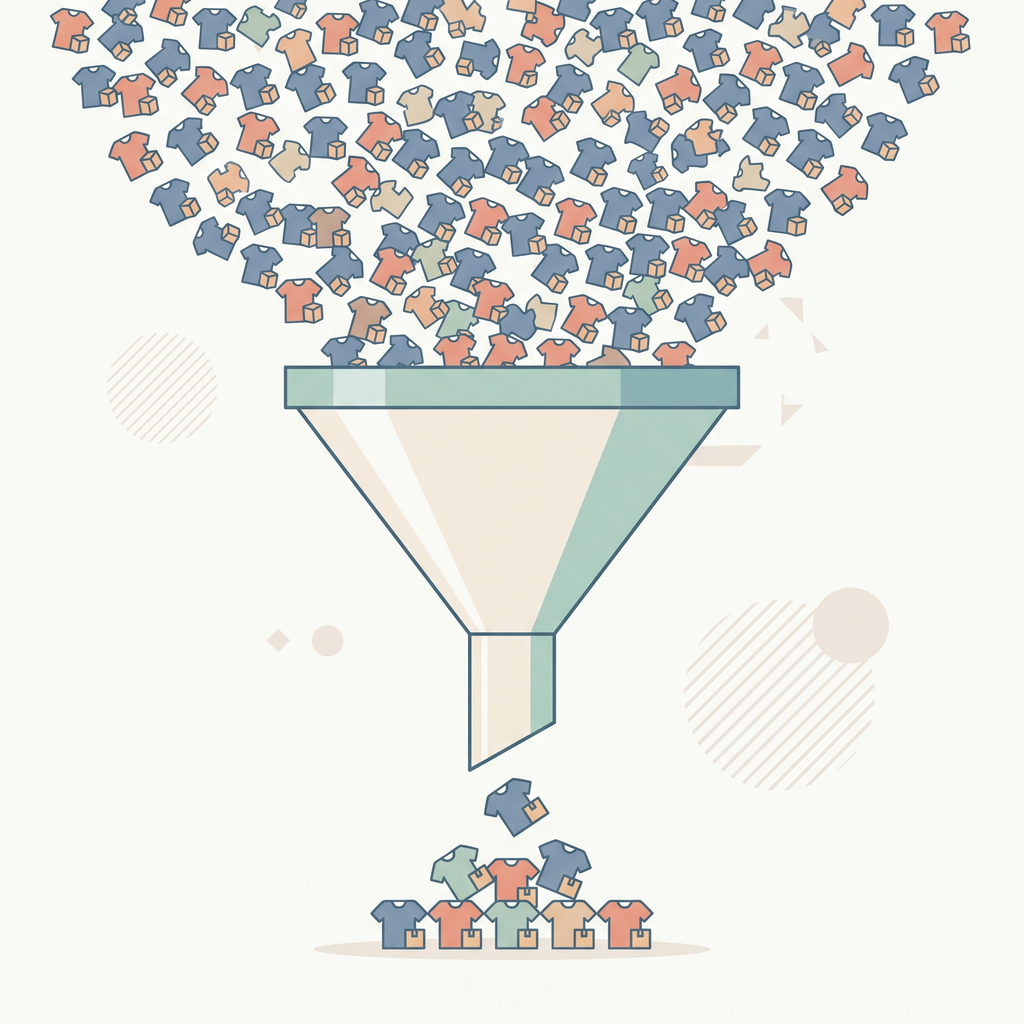
This is the quiet failure mode of filters that most merchants don’t notice: a shopper filters a catalog of 200 products down to 12, and then stops. The filter did its job, technically. But 12 similar-looking products is still enough to trigger real decision fatigue, especially in categories like skincare, supplements, or apparel where the differences between similar-looking SKUs aren’t obvious from a thumbnail and a price tag. Filters assume the shopper knows which attributes matter to their decision. In categories with a real diagnostic gap, where shoppers routinely misjudge their own skin type, sizing, or actual need, that assumption doesn’t hold, and the filtered shortlist doesn’t actually solve the underlying problem.
Filters also put the entire cognitive burden of trade-off evaluation on the shopper. If someone filters for “moisturizing” and “lightweight,” and those two attributes are in tension across your catalog, the filter can’t help them understand that trade-off. It just shows fewer products that both apply to.
There’s also a design trap worth naming directly: merchants sometimes respond to weak filter performance by adding more filters, assuming the problem is insufficient granularity. Often the opposite is true. A filter sidebar with 15 different attribute categories can be more overwhelming than the unfiltered catalog it was meant to simplify, because now the shopper has to first figure out which filters even matter to them before they can start narrowing anything down.
Filters win when: the shopper already knows their own preferences and just needs the catalog narrowed by clear, objective attributes such as size, price, brand, color in categories where the remaining shortlist is genuinely easy to compare.
Quizzes: built for shoppers who need to be told what to buy
A product recommendation quiz solves the problem neither search nor filters can: it doesn’t just narrow the catalog, it makes the actual decision on the shopper’s behalf, based on information only the shopper can provide. That’s a fundamentally different job than search or filtering, and it’s why quizzes tend to outperform both in categories where the real obstacle isn’t finding products, it’s figuring out which one is right.
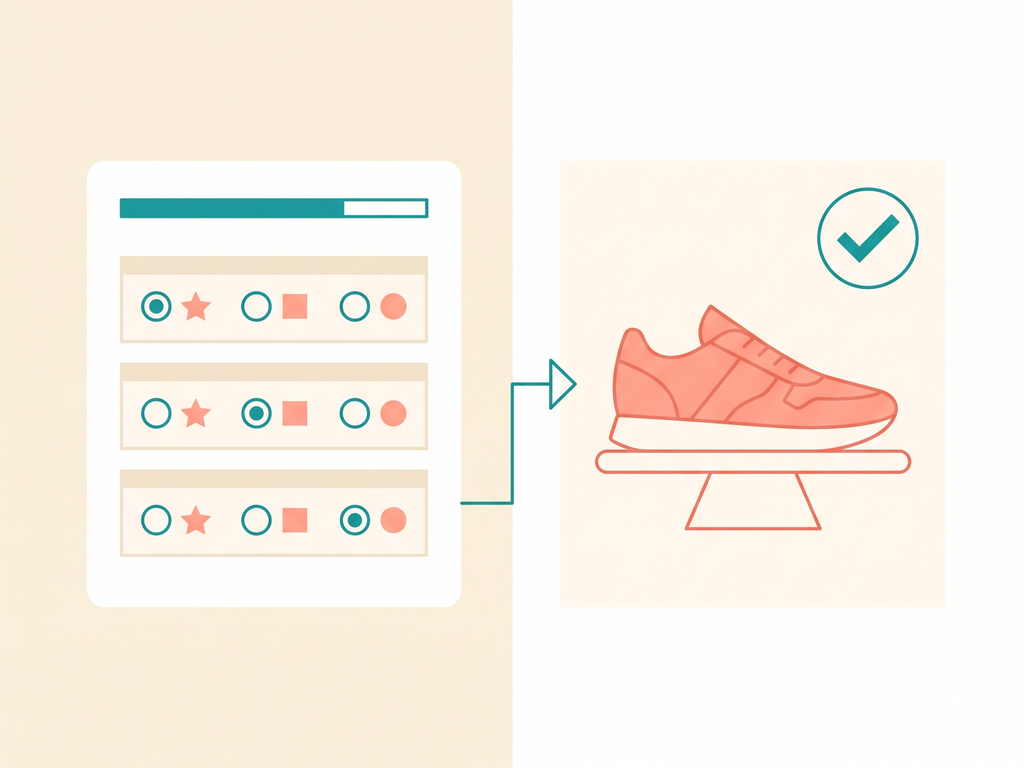
This matters most in what might be called diagnostic categories: skincare, supplements, mattresses, pet products, fragrance. Anywhere the correct choice depends on something about the shopper’s own body, lifestyle, or taste that they often can’t self-assess accurately. A filter can ask “what’s your skin type?” as a checkbox, but it can’t correct a shopper who’s misidentified their own skin type in the first place. A quiz, structured as a short diagnostic sequence rather than a single self-reported checkbox, gets closer to the right answer because it asks multiple, cross-referencing questions rather than trusting one potentially wrong self-assessment.
** Quizzes also do something neither search nor filters attempt: they explain the reasoning behind the recommendation. “Because you told us X and Y, we recommend Z” reads as guided advice, not a filtered list. That reasoning is a meaningful part of why quiz-based recommendations tend to convert at higher rates and build more trust than an unexplained shortlist — the shopper isn’t just being shown fewer options, they’re being told why this one fits them specifically.
The trade-off is that quizzes take more upfront effort from the shopper than typing a search query or clicking a filter checkbox, and they’re a mismatch for a shopper who already knows exactly what they want. Putting a quiz in front of a returning customer who wants to rebuy their usual order is friction for no reason. Quizzes also don’t scale down well to trivially simple decisions. A two-option product line doesn’t need a diagnostic sequence, it needs a clear comparison.
Quizzes win when: the product category has a real diagnostic gap, the catalog is large enough that a shortlist alone doesn’t resolve decision fatigue, or the purchase is personal or high-stakes enough that shoppers want to feel guided rather than left to compare alone.
A side-by-side comparison
| Site search | Filters | Quiz | |
|---|---|---|---|
| Best for shopper who… | Already knows the exact product | Knows their own preferences on clear attributes | Doesn’t know what they need, or often misjudges it |
| Primary job | Locate a known item quickly | Narrow a large catalog | Diagnose and recommend |
| Handles trade-offs between attributes | No | No | Yes, through weighted logic |
| Explains its recommendation | No | No | Yes |
| Effort required from shopper | Low (if they know the term) | Low to moderate | Moderate |
| Collects reusable customer data | No | Minimal | Yes; rich, structured, zero-party data |
| Best product categories | Any, for repeat or referred traffic | Simple attribute-driven categories (apparel by size, electronics by spec) | Diagnostic categories (skincare, supplements, mattresses, fragrance, gifting) |
| Risk of the wrong choice | Low; shopper self-selects a known item | Moderate; shortlist can still overwhelm | Low; recommendation is reasoned, not just narrowed |
Matching the tool to the shopper, not just the category
It’s tempting to make this decision purely at the category level, “we sell skincare, so we need a quiz”. But the more accurate way to think about it is at the shopper level, since a single store usually has more than one type of visitor arriving with more than one type of intent.
A few common shopper profiles and what actually serves them best:
- The returning customer who wants to rebuy. They know the product name. Search wins, every time. A quiz here is friction, not help.
- The comparison shopper who arrived from an ad for a specific product line. They often want to see the couple of variants within that line; sizes, colors, scent options. Filters win.
- The first-time visitor with a vague need (“I need something for my skin,” “I don’t know what my dog needs”). This is the shopper search and filters consistently underserve, and the one a quiz is built for.
- The gift shopper. They don’t know the catalog and aren’t shopping for themselves. Neither search nor filters help much here, since the person doing the choosing has no personal preference to search or filter by. A quiz built around the recipient, not the shopper, wins clearly.
Common mistakes when combining the three
A handful of implementation mistakes come up often enough to call out directly.
Hiding the quiz behind the other two. Some stores build a quiz and then bury it in a footer link or a rarely-visited page. If the quiz is meant to catch shoppers who are stuck, it needs visible placement at the moments stuckness actually shows up. A prominent homepage entry point, or a suggested link on a zero-result search page.
Forcing every visitor through the quiz. The opposite mistake is just as common. Putting a quiz in front of all traffic, including shoppers who clearly already know what they want. This adds friction for the segment search or filters would have served just fine, and it’s a common reason quiz completion rates look worse than they should; the denominator includes people who never needed to be there.
Not connecting quiz data back to filters and search. Once a shopper has taken a quiz, that answer data shouldn’t just disappear. A returning shopper who’s already told you their skin type or dietary preference could have filters pre-applied or a smarter search experience on their next visit; Treating the quiz as a one-time, disconnected event wastes the data it collected.
Reading your own store’s signals
A few things are worth checking before deciding where to invest:
Look at your zero-result search rate. If a meaningful share of searches return nothing useful, that’s shoppers with intent your search isn’t equipped to serve, and often a signal that a quiz (or better search synonyms) is needed. Look at filter usage combined with bounce rate on filtered pages, if shoppers apply filters and then leave shortly after without adding anything to cart, the shortlist likely isn’t resolving their decision. And look at the split between new and returning visitors; a store with mostly first-time traffic in a diagnostic category has a very different need than one dominated by repeat buyers.
Why most stores actually need all three
The mistake worth avoiding is treating this as a single choice. Site search, filters, and a quiz solve different moments in the same shopper journey, and a mature Shopify store usually runs all three simultaneously, aimed at different traffic:
- Search serves the shopper who arrived with intent already formed.
- Filters serve the shopper who’s mid-browse and knows enough to narrow by attribute.
- A quiz serves the shopper who’s stuck — the one who would otherwise bounce, because neither search nor filters can resolve a decision they don’t have the information to make on their own.
The highest-leverage move for most merchants isn’t replacing search or filters with a quiz. It’s recognizing that a meaningful share of traffic, especially first-time visitors in a diagnostic category, is being underserved by search and filters alone, and giving that segment a guided path that actually gets them to a confident purchase instead of a longer, more exhausting version of browsing.
Where to start
If you’re trying to decide whether your store needs a quiz on top of what you already have, a few questions are worth asking honestly: Do shoppers in your category routinely misjudge what they actually need (skin type, fit, dietary needs)? Does your filtered shortlist still leave shoppers comparing 8-15 similar products? Is a meaningful share of your traffic first-time visitors rather than repeat buyers who already know your catalog? If the answer to any of these is yes, a quiz isn’t competing with your search bar or your filter sidebar, it’s covering a gap neither of them was ever built to close.
Not sure whether your Shopify store needs a quiz alongside search and filters? QuizShop helps merchants identify where shoppers are getting stuck and build a guided recommendation flow that closes that specific gap.